


|
Name |
Google Photos |
|---|---|
|
Google Play Link |
GET IT ON
Google Play
|
|
Category |
Photography |
|
Developer |
Google LLC |
| Last version | 7.96.0.996044120 |
|
Updated |
|
|
Compatible with |
Android 7.1+ |
Introduction to Google Photos MOD APK
Google Photos MOD is a photo and video management app built for people who want one place to back up, sort, search, and edit their media. It centers on cloud storage, smart organization, and quick tools that make a crowded gallery feel easier to handle. For most users, its main appeal is simple: your memories stay easier to find, easier to clean up, and easier to move across devices.
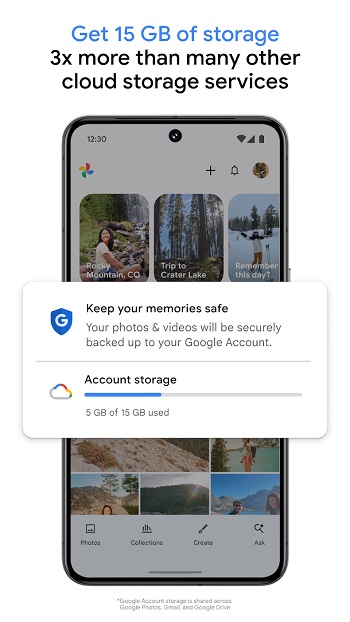
The app is mainly used to back up photos and videos to a Google account, then sync them across phones, tablets, and computers. That helps when you switch devices, lose local files, or just run out of storage on your phone. It also lets you remove backed-up items from local storage, which is handy when your camera roll starts looking like a digital junk drawer.
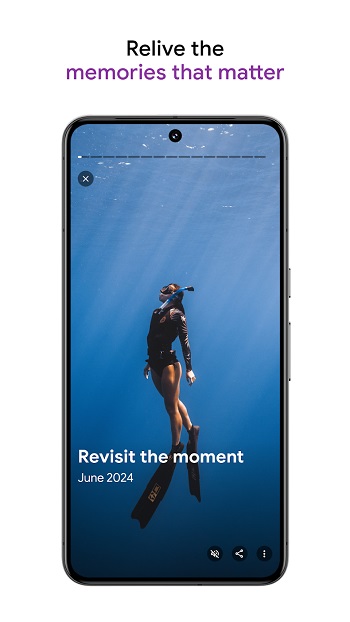
A big part of the appeal comes from its search and organization tools. Google Photos can group similar shots, highlight screenshots and documents, and help surface older pictures through natural searches for people, places, food, pets, or events. Instead of scrolling through thousands of images, you can usually find what you need with a simple phrase. That saves time, especially for users who take a lot of photos and forget where anything went five days later.
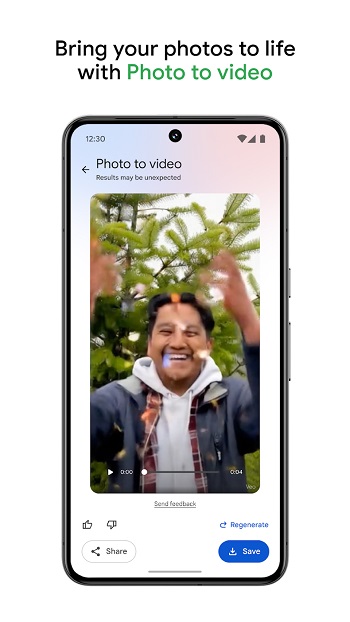
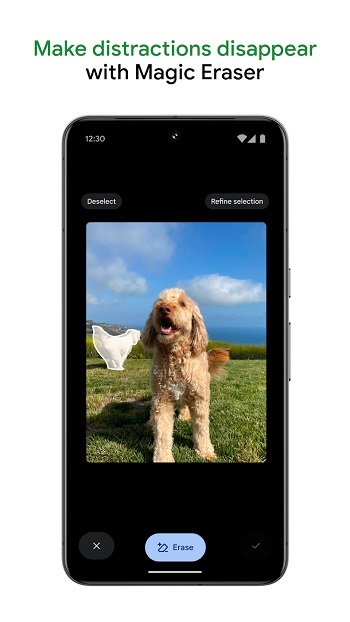
Editing is another core part of the app. Users get built-in tools for cropping, adjusting light, fixing blur in supported cases, removing distractions, and improving portraits. There are also creative options that can restyle images or turn still photos into short animated content. These tools are useful for quick fixes before sharing, without needing a separate editing app for every small change.
Google Photos MOD APK is especially useful for people who rely on their phone camera every day, keep years of family photos, save work screenshots, or need fast sharing links for albums and videos. It suits casual users, students, parents, travelers, and anyone who wants less clutter in their gallery. Shared albums and link-based sharing also make it practical for group trips, events, and family collections where everyone wants the pictures but nobody wants fifty files sent in chat.
There are still a few downsides worth knowing. Storage is tied to your Google account, so heavy photo and video backups can eat into the same space used by Gmail and Google Drive. Some advanced AI tools may vary by device, region, version, or subscription status. If you are looking at a modified APK version from unofficial sources, reliability and account safety can also be a concern, especially for an app that handles personal photos and cloud access.
Looking at the features people usually search for under this name, the app makes the most sense for users who want convenient backup, fast search, light editing, and better gallery control in one place. It works best when your photo library keeps growing faster than your patience. And yes, that tends to happen right after one weekend trip and about 200 nearly identical sunset shots.
FAQs Google Photos
What is Google Photos MOD?
+
Google Photos MOD is a photo and video gallery app focused on cloud backup, smart search, organization, and basic editing tools in one place.
What is Google Photos MOD used for?
+
It is used to store, sort, search, edit, and share photos and videos more easily, while syncing your media across devices through a Google account.
Does Google Photos MOD give unlimited storage?
+
Storage usually depends on your Google account plan, and that space is shared with services like Google Drive and Gmail, so unlimited storage should not be assumed.
Can Google Photos MOD free up space on my phone?
+
Yes. After files are backed up, the app can help remove local copies from your device so you can recover storage without losing access to your media.
Who should use Google Photos MOD?
+
It suits people who take lots of photos, want automatic backup, need fast search, or prefer one app for organizing, editing, and sharing everyday memories.
Discover More Interesting Apps
-
 Mod
Mod
Remini
v3.7.1464.202525521
249.64 Mb
Updated -
Mod
Dazz Cam
v5.0.42
24.90 Mb
Updated -
Mod
Polish
v1.802.266
48.35 Mb
Updated -
Mod
Photo Curves
v1.2.40
24.78 Mb
Updated -
Mod
Beauty Plus
v7.47.0
529.97 Mb
Updated -
REFRAKT
v2.0.06
107.00 Mb
Updated -
Mod
PhotoRoom
v2026.41.02
229.45 Mb
Updated -
Mod
PREQUEL
v2.5.0
142.34 Mb
Updated -
Mod
Intervalometer
v2.10.1
6.00 Mb
Updated -
Mod
Clone AI
v10.4.2
109.32 Mb
Updated









Share Your Thoughts